Demo 展示 Demo Display
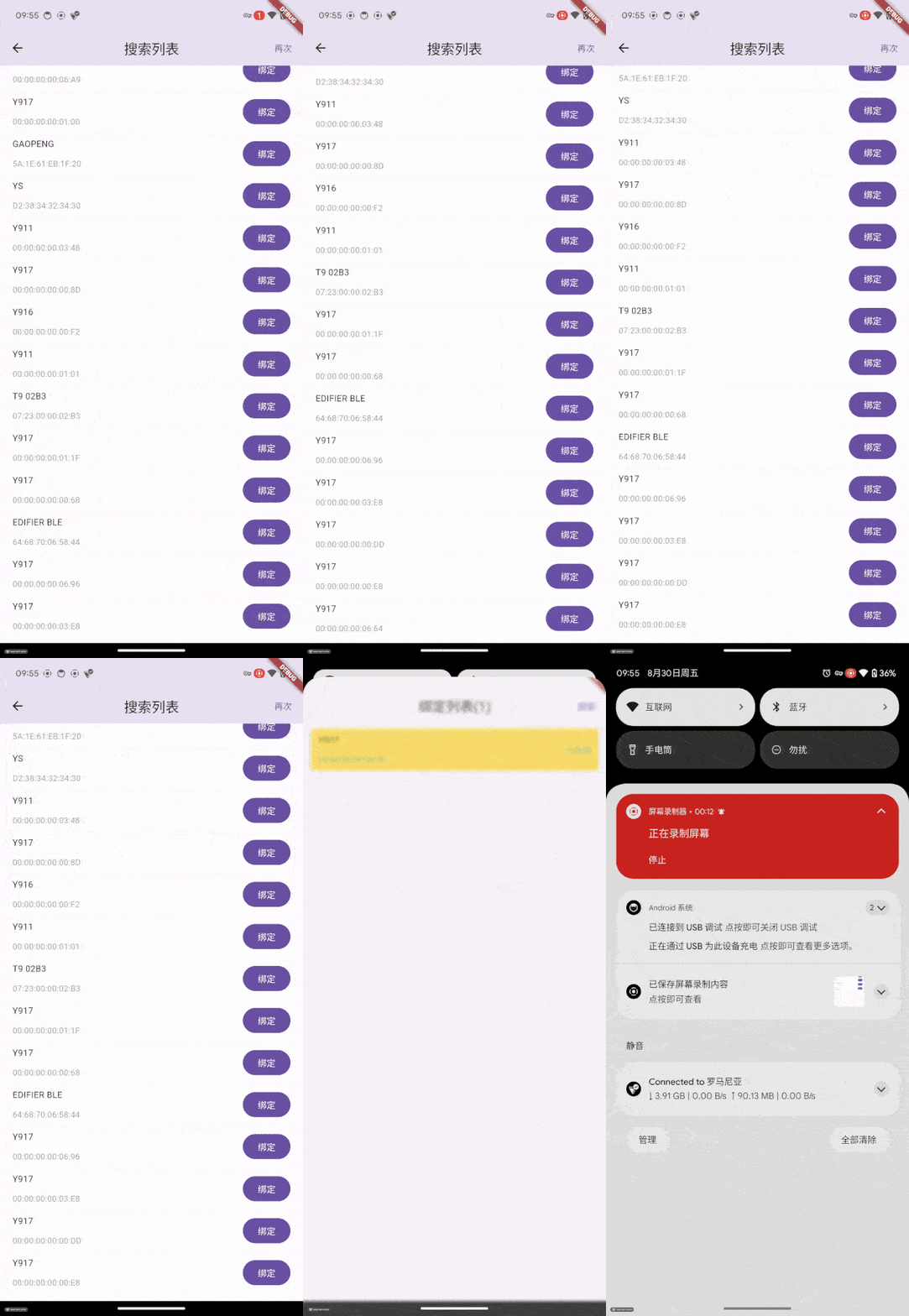
扫描设备 & 绑定设备 Scanning device & binding device

步骤解释:
1. 打开App展示的是已绑定设备列表2.点击右上角 搜索 按钮进入搜索页面
3.在搜索到的设备中找到想要连接的设备
4.点击 链接 按钮 绑定&连接 设备
5. 已绑列表 已存在绑定设备
Step explanation:
1. When the app is opened, what is displayed is the list of bound devices.2.Click the `Search` button on the top right corner to enter the search page.
3. Find the device you want to connect among the devices that have been searched for.
4.Click the `Link` button to bind and connect the device.
5. Bound List Existing Bound Devices
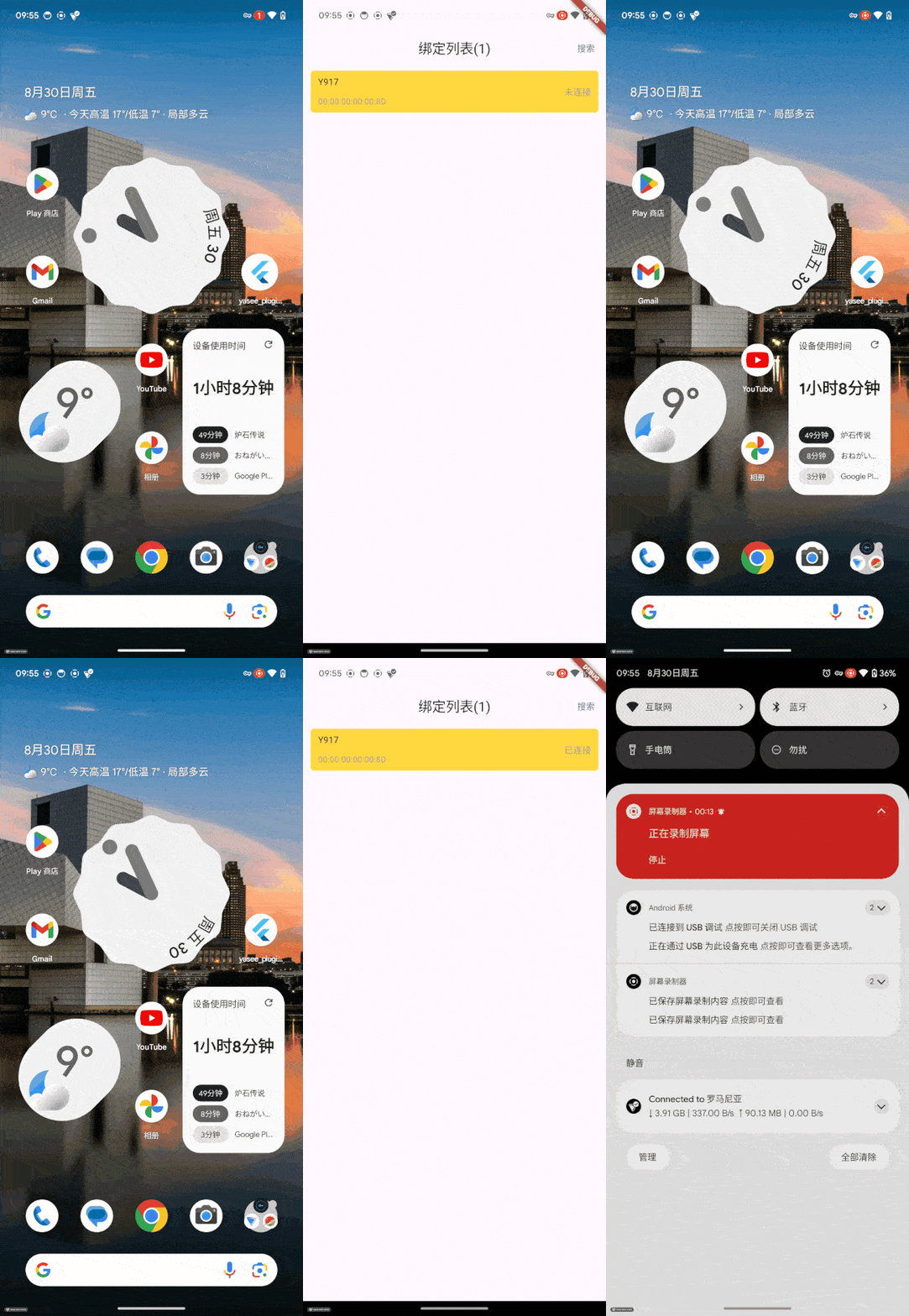
缓存绑定列表
步骤解释:
1. 打开App展示的是已绑定设备列表2.如果之前已经绑定过设备,这里会首先展示已缓存的设备
Step explanation:
1. When the app is opened, what is displayed is the list of bound devices.2. If the device has been bound before, the cached device will be displayed here first.
与 外设 重连
步骤解释:
1. 打开App展示的是已绑定设备列表2.此时将会自动连接设备
Step explanation:
1. When the app is opened, what is displayed is the list of bound devices.2.At this point, the device will be automatically connected.
收发指令内容

步骤解释:
1. 进入绑定列表,查看已连接的设备2.点击想要交互的外设设备,此时进入设备详情页面;在此可展示交互的详细信息
3.底部检测项菜单为此设备支持的检测项目,
4. 底部的检测项目长按可以呼出交互的指令
5. 电极指令可进行设备交互
6. 开始点击血压中的开始测量指令
7. 上半部分会展示指令相关的内容(可视化)
8. 指令分为交互式(血压、肺功能、尿液、血氧等)、被动接收式两种
9. 通过交互和 被动接收的信息都会展示在屏幕的上半部分
Step explanation:
1. Enter the binding list and view the connected devices2. Click on the peripheral device you want to interact with. At this point, you will enter the device details page; here, you can view the detailed information for the interaction.
3.The bottom detection item menu lists the detection items supported by this device.,
4. The bottom detection items can be activated by long-pressing and will trigger the interactive instructions.
5. Electrode instructions enable device interaction
6. Click the `Start Measurement` instruction in the blood pressure section
7. The upper part will display the content (visualization) related to the instructions.
8. The instructions are divided into two types: interactive (such as blood pressure, lung function, urine, blood oxygen, etc.) and passive receiving type.
9. Both the interactive and passive-receiving information will be displayed in the upper half of the screen.