流程介绍
对码流程
对码包含概览步骤:
- 使用自有App扫描瓶身、包装条上的二维码; 获得二维码中的 字符串
- 调用 接口 获取指令集接口 得到硬件指令码
- 通过接口得到的hex数据; 通过 发送自定义数据 发送给设备
二维码解释
1. 在雅思产品中 试纸 二维码 常出现试纸包装盒、包装条上; 二维码中的内容为一组字符串 如下图所示:
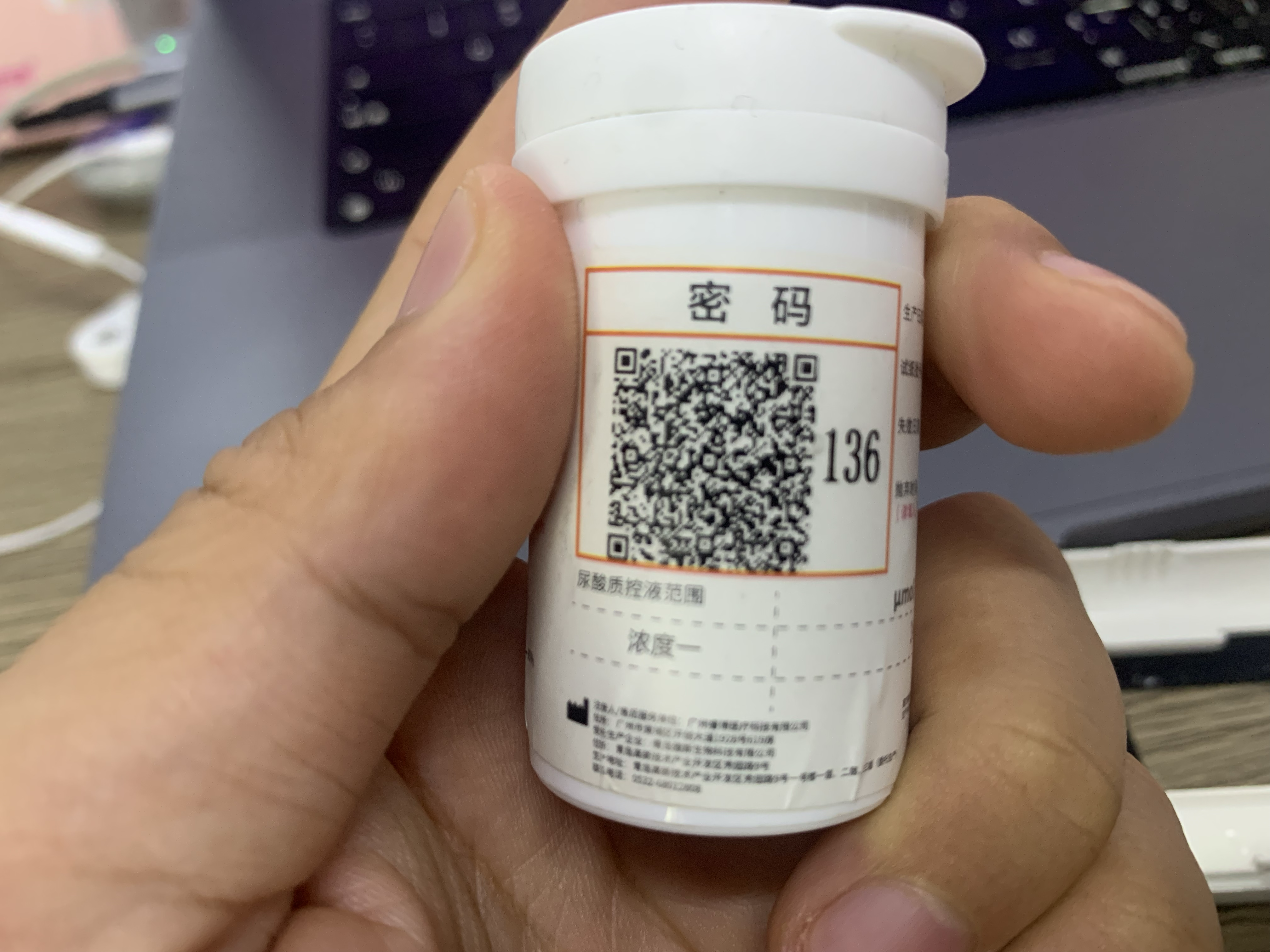
对码流程
- 使用自有App扫描瓶身、包装条上的二维码; 获得二维码中的 字符串
- 调用 接口 获取指令集接口 得到硬件指令码:
danger
!!! 请注意 不要频繁的交互接口; 做好缓存机制避免滥用!
完整接口地址事例:
https://xxxx.yasee.com.cn/tools/sysCodeQrcode/scan?id=xxxxxxxxxxxxxxxxx

接口地址:
/tools/sysCodeQrcode/scan

测试环境
https://test.yasee.com.cn/tools/sysCodeQrcode/scan?id=xxxxxxxxxxxxxxxxx

正式环境
https://cdms.yasee.com.cn/tools/sysCodeQrcode/scan?id=xxxxxxxxxxxxxxxxx
- 通过接口得到的hex数据; 通过 发送自定义数据 发送给设备
// 发送 自定义数据
(BleDevice) device.send( /*获取到的hex数据*/ ,false);
warning
血脂的Code 相对特殊; 需要根据获取到的数据进行拆分: 根据AA55拆分出两个数据段; 分别调用send方法发送给设备
其余数据单次直接调用send方法发送给设备